A client portal or a shared drive: an honest comparison
A drive is cheaper, faster to set up and already paid for. Here is the short list of things it genuinely cannot do, so you can decide whether any of them apply to you.
By Muhammad Musa5 min read
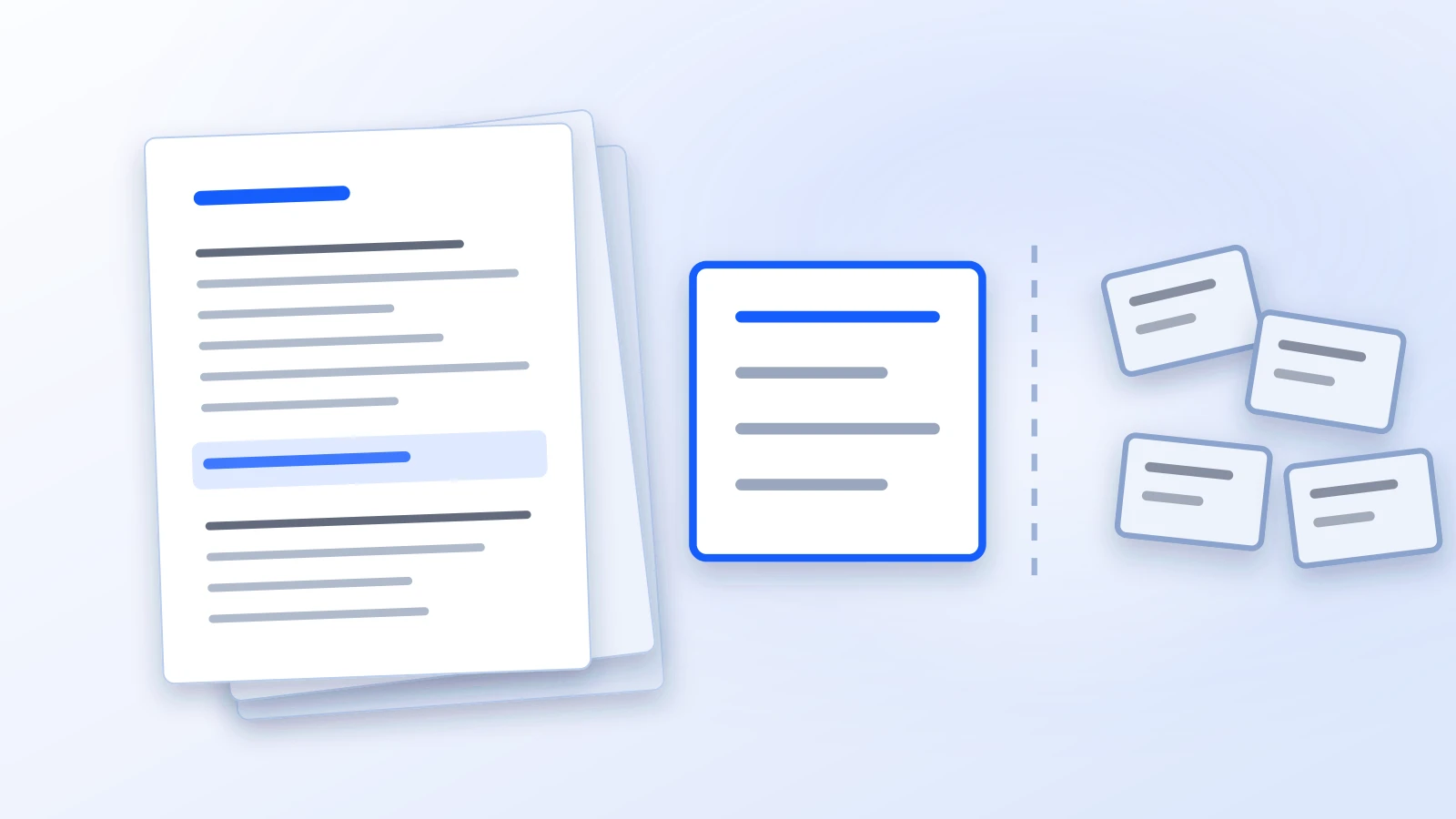
Most small firms already have a shared drive, and it works. Files go in, folders have names, everybody knows where the current version lives. When someone suggests a client portal, the honest first reaction is usually: we have one of those, it is called Dropbox, and it costs twelve dollars.
That reaction deserves a straight answer rather than a sales pitch, so here is one. A drive does most of this job. There is a specific short list of things it cannot do, and whether you need a portal comes down entirely to whether any item on that list matters at your firm.
What a drive is genuinely better at
Worth saying first, because it is true.
It is cheaper, and you have already paid for it. It is faster, because it syncs to the desktop and opening a file is a double click rather than a download. Your staff already know it, which is worth more than any feature. It holds everything, not just client-facing documents — your templates, your firm admin, your precedents. And it has no vendor risk of the kind a small software company carries.
If you were optimising only for internal filing, the drive wins and this article would end here.
The four things it cannot do
1. Give a client access to their own file without giving them a drive
This is the one that bites. To share from a drive you either send a link — in which case anyone with the link has the file, forever, and you will not remember to revoke it — or you add the client to a folder, which means managing their account in your firm’s storage.
Neither scales past a handful of clients. Link-sharing has no notion of “this person”, so it cannot answer “what can this client see” and cannot take access back. Folder-adding works but turns your drive’s permission model into a client database you now maintain by hand.
A portal’s whole premise is the opposite: the client is a person with an identity, access is a permission rather than a copy, and revoking it revokes it. Who can see a document walks through how that decision is made on a single file.
2. Keep the conversation with the document
On a drive, the file is in one place and the discussion about it is in email. So the authority sits in a thread, the draft sits on the drive, and six months later reconstructing what was agreed means searching two systems and hoping the right person is still at the firm.
This sounds like a small inconvenience. It is actually the single most common reason a file is hard to pick up cold, and it is the thing partners notice when somebody leaves.
3. Tell you anything about the state of a document
A drive knows a file exists. It does not know whether it has been reviewed, whether it is waiting on a client, whether it has been signed, or whether anybody has looked at it. That information lives in somebody’s head or in a spreadsheet beside the drive.
Once you have a spreadsheet beside the drive tracking what state things are in, you have built half a portal by hand, and the half you built does not enforce anything.
4. Be organised around a matter rather than a folder path
A folder is a path. A matter is a thing with a client, a practice area, a lead, dates, hours and documents, where the documents are one of its properties rather than its whole identity. You can emulate a lot of this with folder naming conventions, and plenty of firms do. The convention holds exactly as long as everyone follows it, and it is one new hire away from not holding. Matters is what that looks like when the structure is in the software instead of the folder names.
What a portal is worse at
Also true, and a comparison that leaves it out is not worth reading.
It is slower to open a file — a download rather than a double-click, unless you work in the browser. It is another system, so for a while you will have two. It holds only the client-facing work, so your templates and internal admin stay wherever they are. And it costs money on top of the storage you already pay for.
There is also a real adoption cost that vendors understate: the portal only helps if clients use it, and whether they do depends more on the sentence in your invitation email than on the software. Inviting clients and team members covers the mechanics, but the mechanics were never the hard part.
How to actually decide
Skip the feature comparison and answer three questions about your own firm.
How many clients send you documents in a year? Under about twenty, link-sharing is fine and the overhead of a portal is not worth it. Past fifty, the revocation problem alone starts to matter.
Has anyone ever had to reconstruct a matter from email? If yes, and if it took more than an hour, point two above is not theoretical for you.
Would you be comfortable showing a client the list of everything they can currently reach? On a drive, most firms cannot produce that list at all. If the question makes you uneasy, that unease is the actual argument, and it is worth more than any feature table.
If the answers come out “small, no, yes” — keep the drive. That is a legitimate answer and we would rather you reach it before a demo than after one.
If they come out the other way, here is what the portal side looks like, down to the screen your client opens. Or get in touch and we will set the firm up for you to put a handful of real matters into, so you are comparing against your own files rather than against a sample.
- client portal
- buying
- document management
More on firm operations


Want to talk it through with your own files in front of you?
Tell us how documents reach your firm today and we will show you what this looks like in Pertavo. No obligation, and no sales sequence afterwards.
Get in touch